Direct your story, don’t just prompt it.
Omni 1.1 in Google Vids gives you control of your videos from the first concept to the final export, so you can direct every detail to match your creative vision.
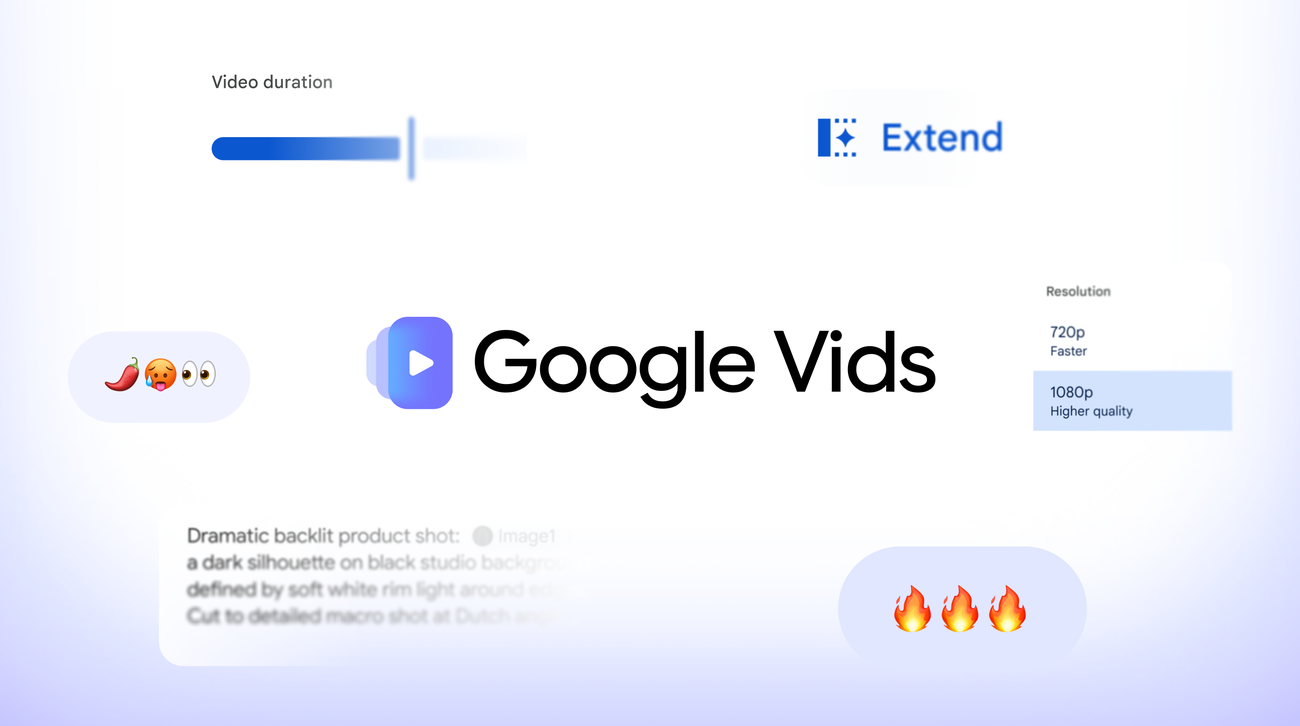
- Extend scenes with smooth transitions: Make scenes last longer while keeping the visual context, lighting, characters’ appearance, and the environment consistent.
- Set super-specific durations: Choose the exact duration of your generated clip so it aligns precisely with your story and voiceover.
- Generate in HD: Create brand-new AI video scenes in full 1080p HD, or upscale existing AI clips to blend seamlessly across your timeline.
Build for any audience.
Whether you’re working on a side project or managing a global campaign, these new controls adapt to your creative goals.
- For the side hustler launching a new product: Pick a ready-to-use video template to launch your next product without manual video editing.
- For the local business owner: Snap a few pictures of new arrivals and quickly turn them into promo videos to show your community what’s in stock.
- For enterprise marketing teams: Produce eye-catching videos for landing pages, social announcements, and digital event signage.
- For community organizers: Create a video to spread the word about local events, clubs, or community fundraisers.
Create and share with transparency.
Creativity has to go hand in hand with transparency. Every clip generated with Omni 1.1 in Google Vids includes an imperceptible SynthID digital watermark embedded into the video frames. This allows viewers to verify that content was generated with AI.
Narrate with just a few keystrokes.
Coming soon, Gemini 3.8 Flash-Lite text-to-speech in Google Vids will turn any script into a natural-sounding voiceover across 100+ languages. Whether you’re a creator making social media clips or a business owner explaining a new service, you can generate clear narration simply by typing.
Start building today.
Ready to turn your vision into reality? Anyone with a Google or Google Workspace account can sign into Google Vids and start generating videos with Omni 1.1 at no cost.
For more access to AI video generation in Google Vids on your personal account, explore our Google AI plans. For teams needing greater capacity and management, Workspace Business and Enterprise plans include expanded generation pools and centralized admin controls. Explore details on the Google Workspace Learning Center.
Bring your next idea to life at vids.new.