
At Adtelligent, we continuously improve our products to make everyday work easier, faster, and more efficient for our partners. In Q1 2026 we shipped updates to the Adtelligent Ad Server and the Retail Media Platform. Here’s a quick look at what’s new in each.
Ad Server Updates
New Features & Tools
Clone Universal Lists in One Click
We’ve added a faster way to create new Universal Lists based on existing configurations.
You can now clone Universal Lists. This makes it easier to reuse list setups without rebuilding them from scratch.
📍 Where to find it:
Tools → Global Lists → Universal Lists
A new Clone button is now available in the Actions column. Clicking Clone opens a new Universal List form pre-filled with the settings of the selected list. The list name is copied by default.
Unlike the standard Edit mode, you can freely add or remove Keys and Values before saving. When saved, the system creates a new Universal List with a new ID.
This update simplifies list management and helps teams create similar setups much faster.
Advertiser and Channel Settings
Publisher ID Macro Support for Tag-Based Integrations
We’ve expanded macro support to improve data consistency across tag-based integrations.
📍 Where to find it:
Sources → Source Settings → Tag-Based Source Settings → Tag Constructor
You can now use the Publisher ID parameter and macro when working with tags, ensuring seamless data passing between supply and demand, not only for RTB, but also for tag-based setups.
This update helps unify data handling across RTB and tag-based integrations, improving transparency and integration reliability.
Publisher ID Override in Schain Settings
We’ve enhanced Schain object configuration in Channel Settings to give you more control over how Publisher ID is handled in the supply chain.
You can now optionally override the Publisher ID used in schain processing directly at the channel level.
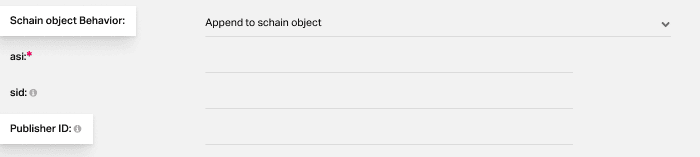
On the processing level, campaign settings take priority over channel-level configuration. If other Schain behavior options are selected:
- Pass schain object without changes
- Do not pass schain object
📍 Where to find it:
Channels → Channel Settings
This update gives you more flexibility in managing supply chain transparency and control.
Custom Response Timeout at Campaign Level
You can now set a custom response timeout (tmax) at the campaign level for RTB/PBS server-side campaigns.
📍 Where to find it:
Campaign Settings → Advanced Settings
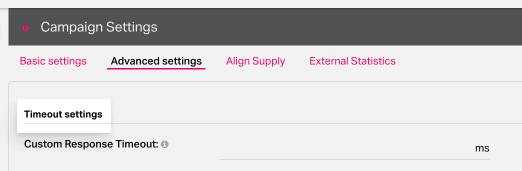
This helps you better control how long the system waits for a campaign response.
It works together with Source-level timeout. Also, timeout errors are now tracked as Campaign Error XML Timeout
This update brings better control over latency and more stable performance.
Reports & Metrics
Weekly View Added to Reports
We’ve expanded reporting capabilities to give you more flexibility in data analysis.
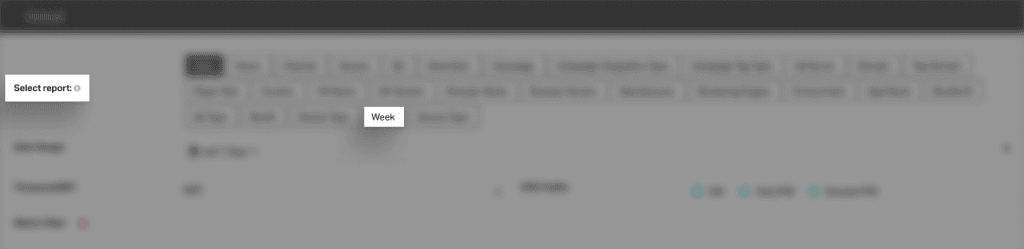
You can now use a Weekly (Week) time slice across reports, making it easier to track trends, compare performance, and analyze data over time.
Where it’s available:
- Reports
- Scoring Report
- Hosted Creatives
- Templated Reports
- Publisher ID Report
This update simplifies performance tracking on a weekly basis and Improves visibility into trends and pacing.
Retail Media Platform Updates
In Q1 2026, we focused on improving the flexibility, transparency, and usability of our Retail Media Platform. These retail media product updates are designed to give retailers and advertisers more control over how sponsored formats are created, deployed, and tracked, while keeping integrations simple, safe, and scalable.
Sponsored Formats Constructor
We’ve introduced a new Sponsored Formats Constructor to give retailers and advertisers more control over how sponsored placements look and perform.
With this update, you can now create, customize, and launch sponsored formats directly in the Ad Spot creation flow.
- Ready-made templates
Access prebuilt layouts for key retail media placements, including product listings, product detail pages, search results, and promo blocks.
- Built-in editor
Choose a format, preview it, and customize the HTML and CSS to match your brand. Changes can be previewed instantly and saved for reuse.
- Automatic script generation
Once your format is ready, the platform generates an embed script that can be placed on your website or app, making it easy to go live.
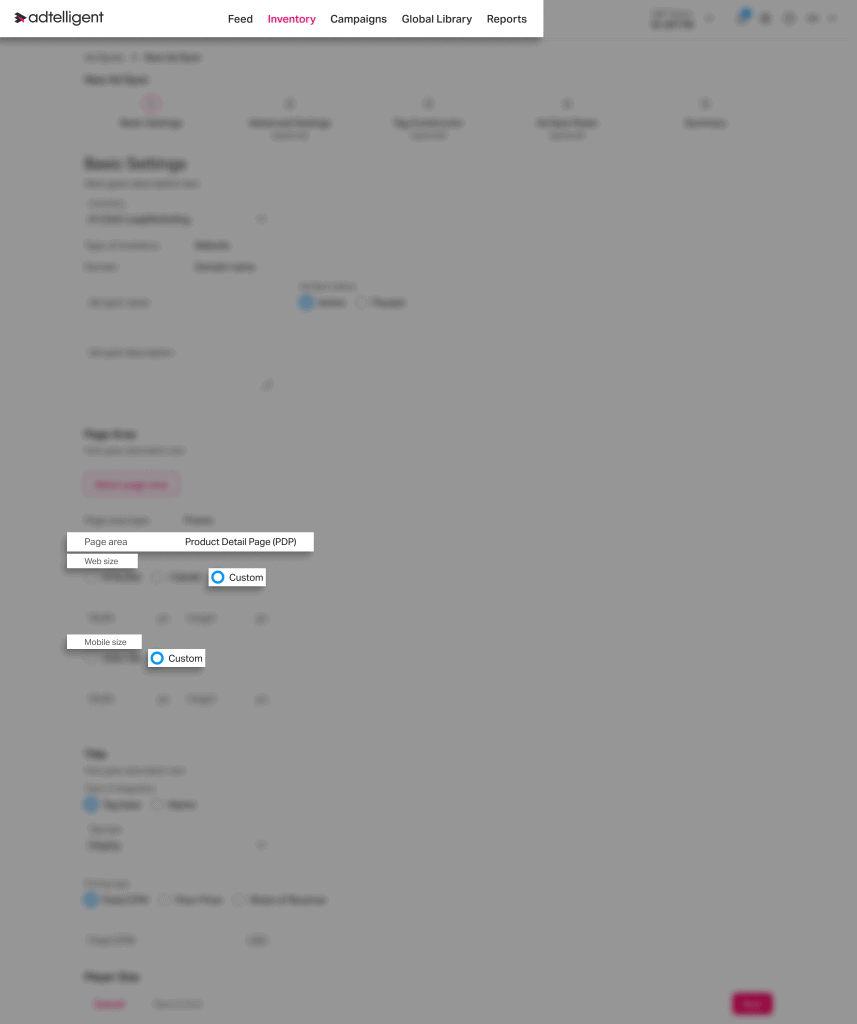
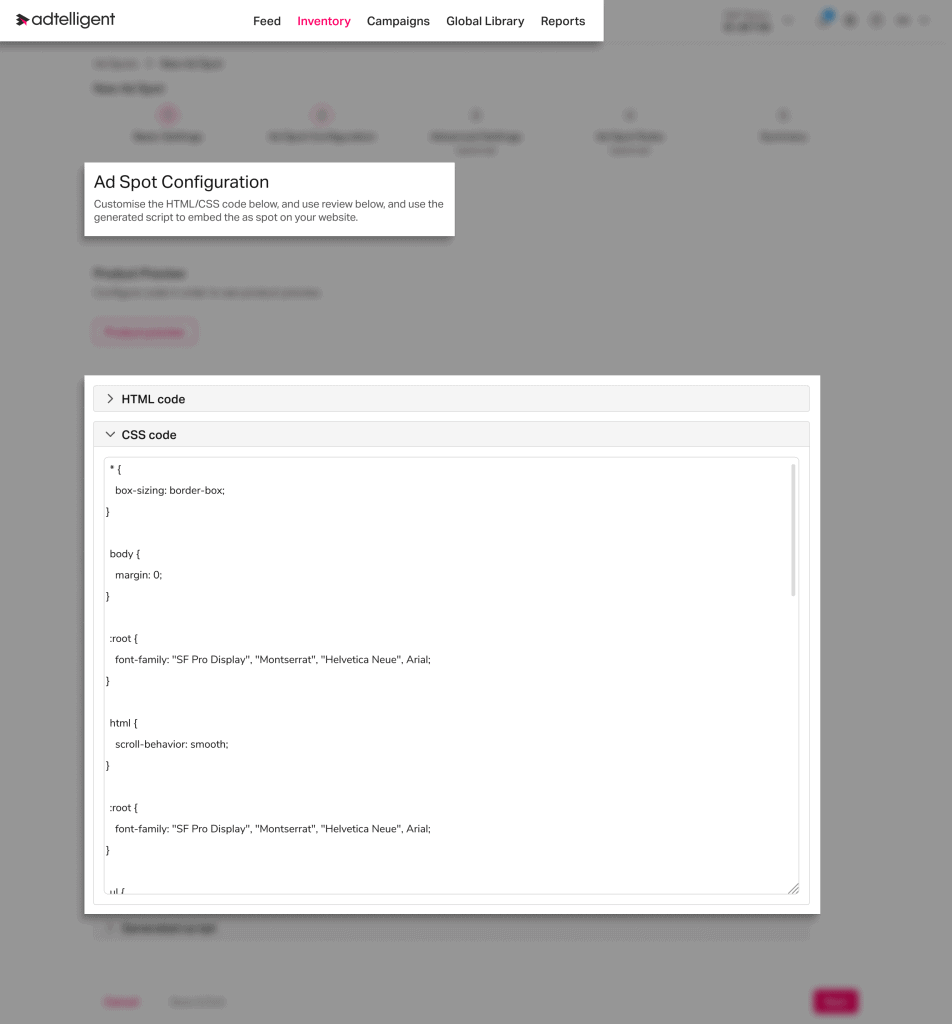
This update streamlines the creation of sponsored placements, giving teams faster deployment, more creative flexibility, and a scalable way to launch native retail media formats.
Back-to-Back Integration for Retailers
We’ve introduced a back-to-back integration model that gives retailers full control over how ads are rendered on their platforms.
With this approach, retailers can:
- Render ads directly through their own backend and frontend systems
- Maintain full control over UX, performance, and layout
At the same time, our platform continues to:
- Run auction logic
- Manage campaign delivery
- Track performance and analytics
This unlocks a more flexible, enterprise-ready integration option for retailers with advanced technical capabilities or strict infrastructure requirements.
Final Word
These updates reflect significant foundational work carried out this quarter. Our focus in Q1 was on strengthening the platform’s core, enhancing stability, scalability, and overall system performance.
This groundwork enables us to deliver more advanced capabilities moving forward.
We look forward to sharing a new wave of product enhancements in Q2!
#ad server#ad tech#advertisers#dsp#programmatic advertising#publishers#retail media#ssp