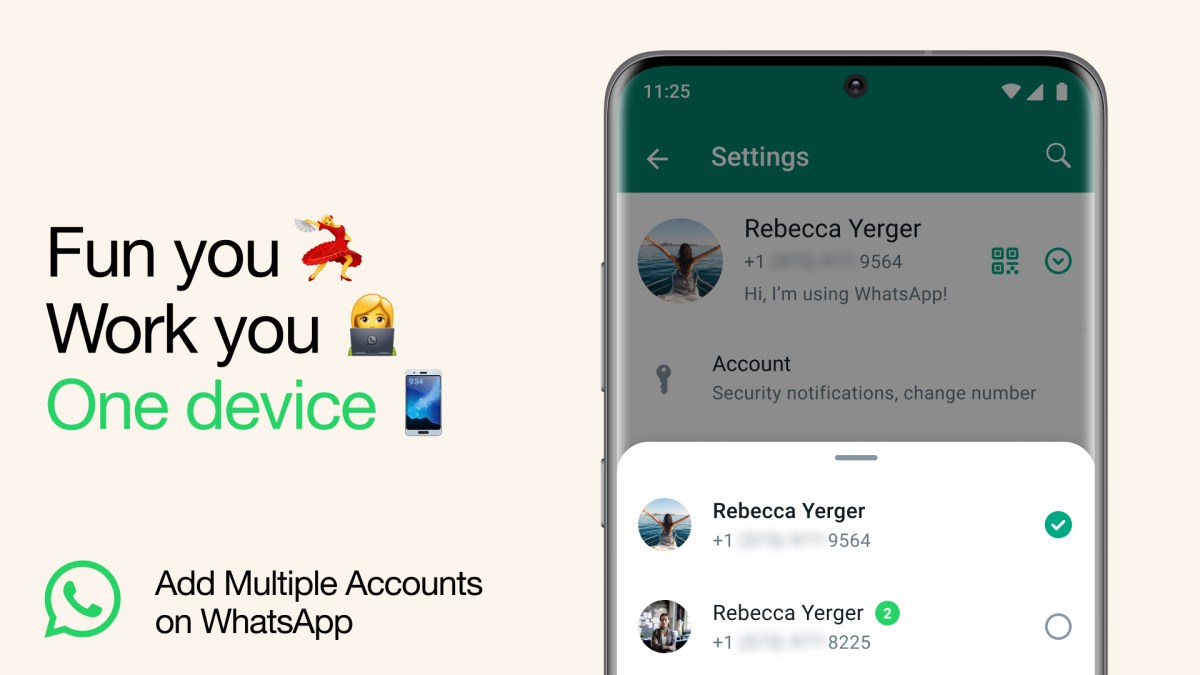
What’s better than having a WhatsApp account? Well, of course it’s having two.
Today, we’re introducing the ability to have two WhatsApp accounts logged in at the same time. Helpful for switching between accounts – such as your work and personal – now you no longer need to log out each time, carry two phones or worry about messaging from the wrong place.
To set up a second account, you will need a second phone number and SIM card, or a phone that accepts multi-SIM or eSIM. Simply open your WhatsApp settings, click on the arrow next to your name, and click “Add account”. You can control your privacy and notification settings on each account.
As a reminder, only use the official WhatsApp and don’t download imitations or fake versions as a way of getting more accounts on your phone. Your messages are only secure and private when using the official WhatsApp.